Presupuestos
How to Manage Multiple Construction Clients at Once Without Losing Your Mind
At some point, jobs start overlapping. You have a remodel in progress, three estimates waiting on responses, a client who's been asking about a start date for two weeks, and ano…
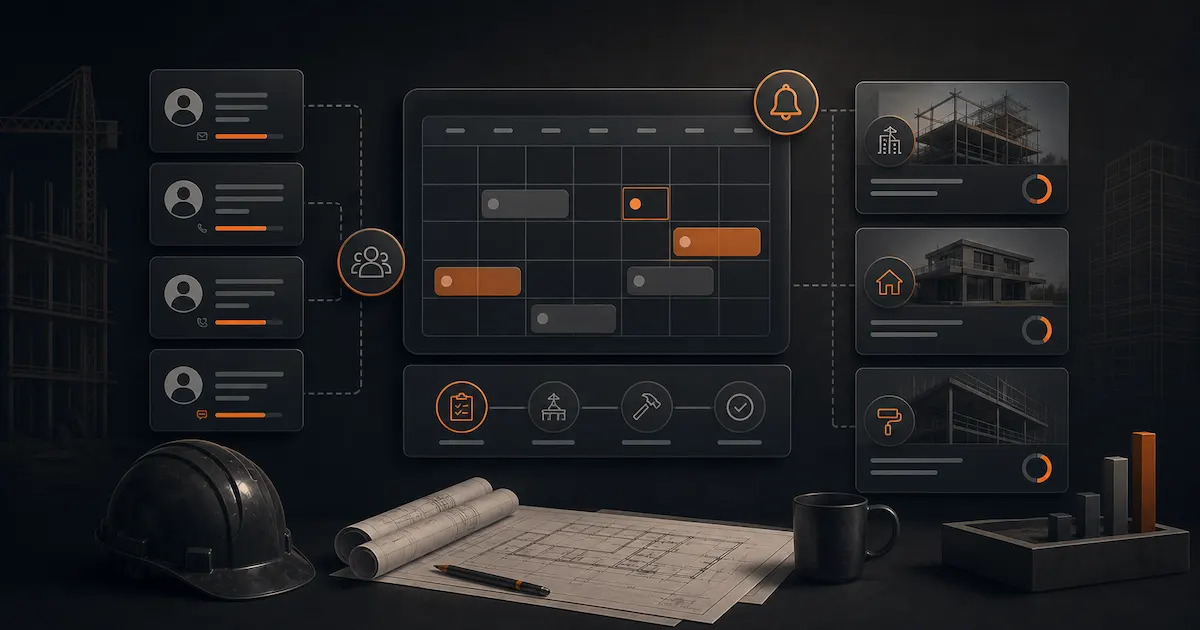
At some point, jobs start overlapping. You have a remodel in progress, three estimates waiting on responses, a client who's been asking about a start date for two weeks, and another whose second payment is overdue. All at once, all in your head, phone ringing.
This isn't a capacity problem — it's a systems problem. Contractors who manage multiple clients without chaos don't work more hours. They have a workflow that tells them exactly where every job stands without having to remember it all.
The Real Problem: Your Brain Isn't a Database
The most common client management method in small construction is memory and text messages. It works with two or three clients. With six or eight in different stages, it breaks down:
- You forget to follow up on the estimate you sent ten days ago.
- You can't remember if the client on the third-floor addition paid the progress payment.
- You mix up two clients' details on a call.
- You waste time digging through texts to find an agreement you made three weeks ago.
The cost isn't just stress — it's money. Jobs lost because you didn't follow up at the right time. Payments delayed because you didn't invoice promptly. Misunderstandings that cost you hours of redo work.
The Five Stages of Every Client Relationship
To manage multiple clients at once, start with a clear vocabulary of stages. Every client is in one of these phases:
Lead/Prospect: you've had contact and a site visit but haven't sent an estimate yet.
Estimate Out: the client has the estimate but hasn't responded.
Signed, Pending Start: job is confirmed but hasn't started.
In Progress: active work on site.
Complete, Payment Pending: job is done but there's an outstanding balance.
Closed: job done and fully paid.
If at any moment you can say which stage each client is in without having to think hard, you're in control. If you can't, the system is failing you.
How to Organize Without Complex Tools
The simplest tool that works is a visual board with these columns. Physical (sticky notes on a wall) or digital — either works:
| Lead | Estimate Out | Signed | In Progress | Payment Pending |
|---|---|---|---|---|
| [Client A] | [Client B] | [Client C] | [Client D] | [Client E] |
When a client's status changes, move them. One look at the board tells you what you need to do today: follow up on the estimate that's been out for five days, send the deposit invoice to the one in "signed," call the one in "payment pending" whose invoice is overdue.
The Specific Actions for Each Stage
Estimate Out: follow up at 48–72 hours. Second contact at 7 days. Breakup message at 14 days if no response.
Signed, Pending Start: send the deposit invoice immediately, block the dates in your schedule, coordinate material delivery.
In Progress: know exactly when the next milestone payment triggers. Have it in your calendar as a reminder, not in your head.
Payment Pending: if the invoice is more than 7 days past due, escalate. Don't wait until the next time you happen to think of it.
What Can't Live in Your Head: Dates
Dates are the most common failure point. "The client said they'd pay by end of month" — and when the 25th arrives you can't remember if it was the 25th or the 30th, or this month or next.
Any date agreement that isn't written somewhere doesn't exist. Use your phone calendar, a paper planner, or a project management tool — but put every key date somewhere with a reminder.
Dates that must always be recorded:
- Date estimate was sent.
- Agreed project start date.
- Each payment due date.
- Each invoice issued date and due date.
Tools by Volume
Up to 5 active clients: a spreadsheet with status columns and key dates is enough. Review it every Monday morning.
5–15 active clients: you need something with alerts. Trello, Notion, or any kanban-style tool with reminders. Setup time is small, return is immediate.
15+ active clients or a crew: you need a CRM built for the way construction works. Generic options like HubSpot or Pipedrive are powerful but require adaptation. The best option is a tool that already understands the construction job cycle.
How Presupix Helps
In Presupix, each client has a complete history: estimates sent, acceptance status, invoices issued, payments received and outstanding. You can see at a glance what stage every job is in — no digging through texts or email folders.
When you send the estimate through Presupix, the system automatically records whether the client has opened it and when. That eliminates the guesswork from follow-up.
The Most Important Rule: One Place
The biggest management problem isn't complexity — it's fragmentation. Job notes in your phone, photos in your camera roll, invoices in email, estimates as PDF files on your desktop. When you need to find something, you waste time and energy.
The goal: everything related to a client lives in one place. From the first estimate to the last payment. If you achieve that, managing ten clients is almost as easy as managing two.
The most successful contractors aren't the ones who work the most — they're the ones with the clearest systems. With the right workflow, you can take on more projects with less stress and full visibility into your business.
Frequently asked questions
How can I keep track of what stage each client is in?
Use a clear vocabulary of stages: lead/prospect, estimate out, signed/pending start, in progress, complete/payment pending, and closed. If you can say which stage each client is in without thinking hard, you're in control.
What tool should I use to manage multiple clients?
Up to 5 active clients, a spreadsheet with status columns and key dates is enough. Between 5 and 15, use a kanban tool with alerts like Trello or Notion. With 15 or more active clients or a crew, you need a CRM built for the construction job cycle.
What actions should I take at each client stage?
Estimate out: follow up at 48–72 hours, second contact at 7 days. Signed, pending start: send the deposit invoice and block the schedule. In progress: track the next milestone payment. Payment pending: escalate if the invoice is more than 7 days past due.
Why is it important to write down dates instead of remembering them?
Any date agreement that isn't written somewhere doesn't exist. The dates that must always be recorded are when the estimate was sent, the agreed start date, each payment due date, and each invoice's issue and due date.