Presupuestos
How to Send a Construction Estimate by Text and Get the Client to Accept (and Sign It)
Text messaging is the dominant communication channel between contractors and their residential clients in the U.S. The initial inquiry, site visit confirmation, job photos, chan…
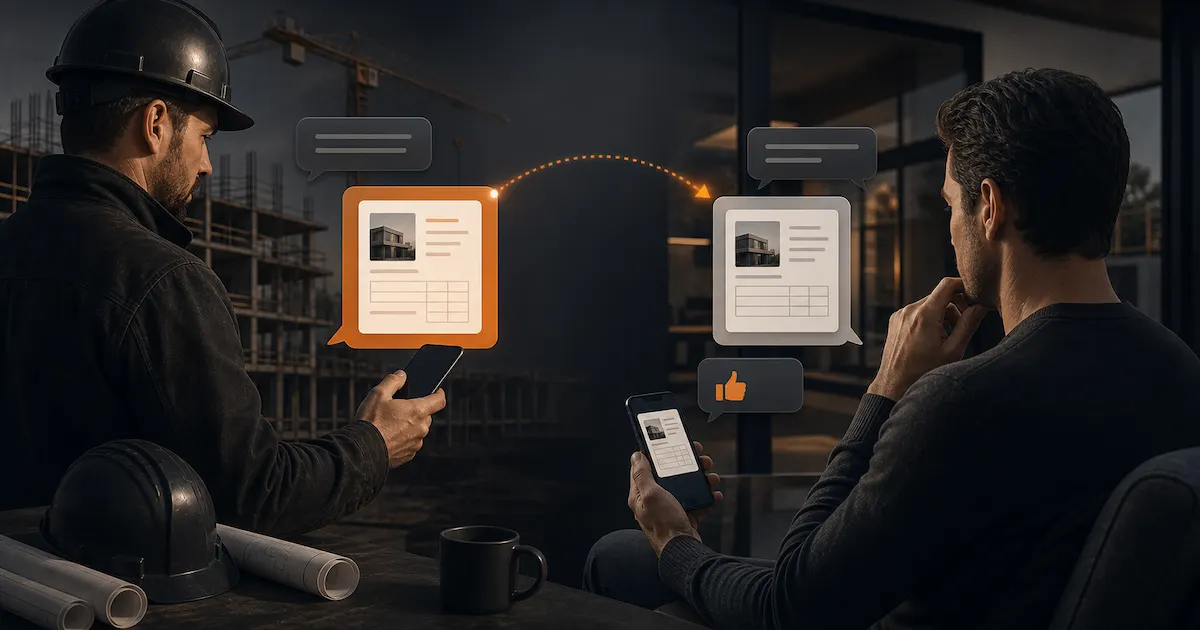
Text messaging is the dominant communication channel between contractors and their residential clients in the U.S. The initial inquiry, site visit confirmation, job photos, change order discussions — all of it happens in iMessage or texts. It makes sense for the estimate to follow the same path.
The problem isn't sending it — it's sending it in a way that the client actually reads, takes seriously, and ends up signing.
Why the PDF Attachment Fails
The typical approach: send a text message with a PDF attached and something like "here's your estimate, let me know if you have questions."
The client taps the attachment on their phone. The PDF opens as a document sized for an 8.5×11 page. They have to pinch and zoom to read it, the columns are hard to follow on a small screen, and they close it thinking they'll look at it properly from a computer later. That moment often never comes, or comes a week later.
Problems with the PDF-in-text approach:
- Not mobile-optimized. A standard estimate PDF was designed for print, not a 6-inch screen.
- No interactivity. The client can't click on a line item for more detail or sign without printing.
- You don't know if they read it. Read receipts tell you if they got the message, not if they actually opened and reviewed the PDF.
- Friction to sign. If the client wants to accept, they have to print, sign, scan, and send back — or just text you "sounds good," which isn't a signature.
The Better Method: Estimate Link
Instead of a PDF attachment, send a unique link to the estimate. The client opens it directly in their phone browser, sees the document in a mobile-friendly format, can scroll through sections, and if they want to accept, they sign right there on the same screen.
The text message would be something like:
"Hey [Name], here's the estimate for the kitchen remodel: [link]. You can review it on your phone or computer. If you have any questions just let me know, and when you're ready you can sign directly from the link. Thanks."
Three sentences. Clear, no pressure, actionable.
How to Write That Text for Maximum Response
The message you send with the estimate isn't just logistics — it's your last chance to frame how the client reads it.
What it should include:
What they're receiving ("the estimate for [specific job]"). Seems obvious but provides context.
How to access it (the link, or noting it's the complete proposal).
What to do with questions (text or call you). This reduces the friction of "I don't want to bother him with questions."
How to confirm (they can sign from the link, or text you yes). Give them the easiest possible path.
What it should NOT include: price justification ("I know this seems like a lot but..."), unnecessary urgency ("need an answer soon"), or apology for the amount ("hope this works for your budget"). These signals undermine your position before the client has even read the document.
What to Do When They Open It But Don't Respond
With a trackable link, you'll know exactly when the client opened the estimate. If they opened it but haven't responded in 48 hours, that's your follow-up window.
Follow-up text:
"Hey [Name], did you get a chance to look at the estimate? Happy to answer any questions about the materials or the schedule."
That's it. One question, concrete, expects a reply.
If they opened it multiple times in the same day, that's a strong signal they're actively deciding. In that moment, a phone call can close the job in five minutes.
Getting the Client to Sign from Their Phone
Paper signature has friction. The client has to print, physically sign, scan, and send it back to you. Each step is an opportunity to put it off until tomorrow.
With an estimate sent as a link, the client can sign with their finger right on their phone screen the moment they decide to move forward. No extra steps, no leaving where they are.
When the client signs from the link:
- You get an instant notification.
- The document is recorded with date, time, and signatory information.
- The estimate status updates to "Accepted."
- You can immediately generate the deposit invoice from the same project.
The Full Flow: From Text to Work Started
Do the site visit and take notes on the scope.
Build the estimate in Presupix with line items, pricing, and payment terms.
Generate the estimate link from Presupix.
Send the link via text with the three-sentence message.
The system notifies you when the client opens the link.
Follow up at 48 hours if no response.
Client signs from the link.
Issue the deposit invoice.
Client pays the deposit.
Work begins.
The entire process from sending the estimate to having a signed agreement can happen in under 24 hours — no paper, no waiting, no "I'll sign it when I find a printer."
What If the Client Prefers Paper
Not every client is comfortable with digital signatures. If they want paper, that's fine — print the PDF, sign in person, keep a copy. But in practice, once you explain that they can sign with their finger in ten seconds without going anywhere, most people prefer that option.
A good way to present it: "You can sign it right from the link if that's easier, or I can bring it by and we can do it in person — whatever works for you."
You give them options. They pick the easier one.
Why This Matters More Than It Seems
Speed to close matters. Between the moment a client decides they want to move forward and the moment they actually sign, there's a window during which they can change their mind, receive a competing estimate, or simply let momentum die.
Shrinking that window — removing the print/scan/return step — is a real competitive advantage in a market where most contractors still rely on PDF attachments and paper signatures.
Texting your estimate isn't unprofessional — it's practical. What matters isn't the channel, it's that the document is clear, the acceptance process is frictionless, and the client can say yes from where they are, when they decide.
Frequently asked questions
Why does sending a PDF attachment by text fail?
A standard estimate PDF isn't mobile-optimized, has no interactivity, doesn't show whether the client actually opened it, and requires printing, signing, and scanning to accept — each step is a chance for the client to put it off.
What's the best way to send a construction estimate by text?
Send a unique link instead of a PDF attachment. The client opens it directly in their phone browser in a mobile-friendly format and can sign right there on the same screen if they accept.
Can the client sign the estimate from a text message?
Yes, if it's sent as a link: the client signs with their finger on the phone screen, you get an instant notification, the document is recorded with date and time, and the estimate status updates to "Accepted."
What if the client prefers to sign on paper?
That's fine — print the PDF, sign in person, and keep a copy. In practice, once clients learn they can sign with their finger in ten seconds, most prefer that option.